A corporate event where HR does not merge lists by hand
A closed form for employees, approval by department, merch in the right size by quota, and the programme in the app. Who has not collected their kit is visible at the end of the day.
- closed forms
- approval by department
- merch by size and quota
- the programme in the app

Four things HR merges by hand
A list from HR, not registration
Participants don’t need attracting — they need collecting: who is coming, from which office, with whom, what T-shirt size.
Several offices and countries
Every department has its own coordinator and its own spreadsheet. Merging them is a week’s job of its own.
Merch with sizes
Ordered by guesswork, M ran out before lunch, and who has already got a kit is unknown.
Internal confidentiality
Employee data must not sit in a contractor agency’s open spreadsheet.
Not a template. A corporate event configuration
The same blocks as for a summit: approver entities become departments, delegations become offices.
- Employee
- Management
- Guest
- Contractor
The category defines the badge, the access and the kit a person gets at the desk.
- Delegated: an approver per department
- or the organizer
A department coordinator sees and approves only their own. The overall list assembles itself.
- A closed form by link
- A form per department
The link goes out by internal mail. Fields: office, T-shirt size, dietary preferences, transfer.
- Halls
- Management area
- Contractors’ technical area
A contractor enters the technical area on build-up day, an employee enters the halls on the event day.
- Desks by office
- A kit by size and quota
- “Not collected yet” as a list
Everyone gets one kit in their size, management a different one. A second kit can’t be issued by accident.
- Campaigns by department
- The programme in the app
- Apple + Google Wallet
Logistics go to each office’s segment. The programme and its changes are in the participant app.
What it looks like from the inside
-
−21 dConsole · forms
Every department gets its own link
The form is closed and bound to the department. An application goes straight to its coordinator.
Registration →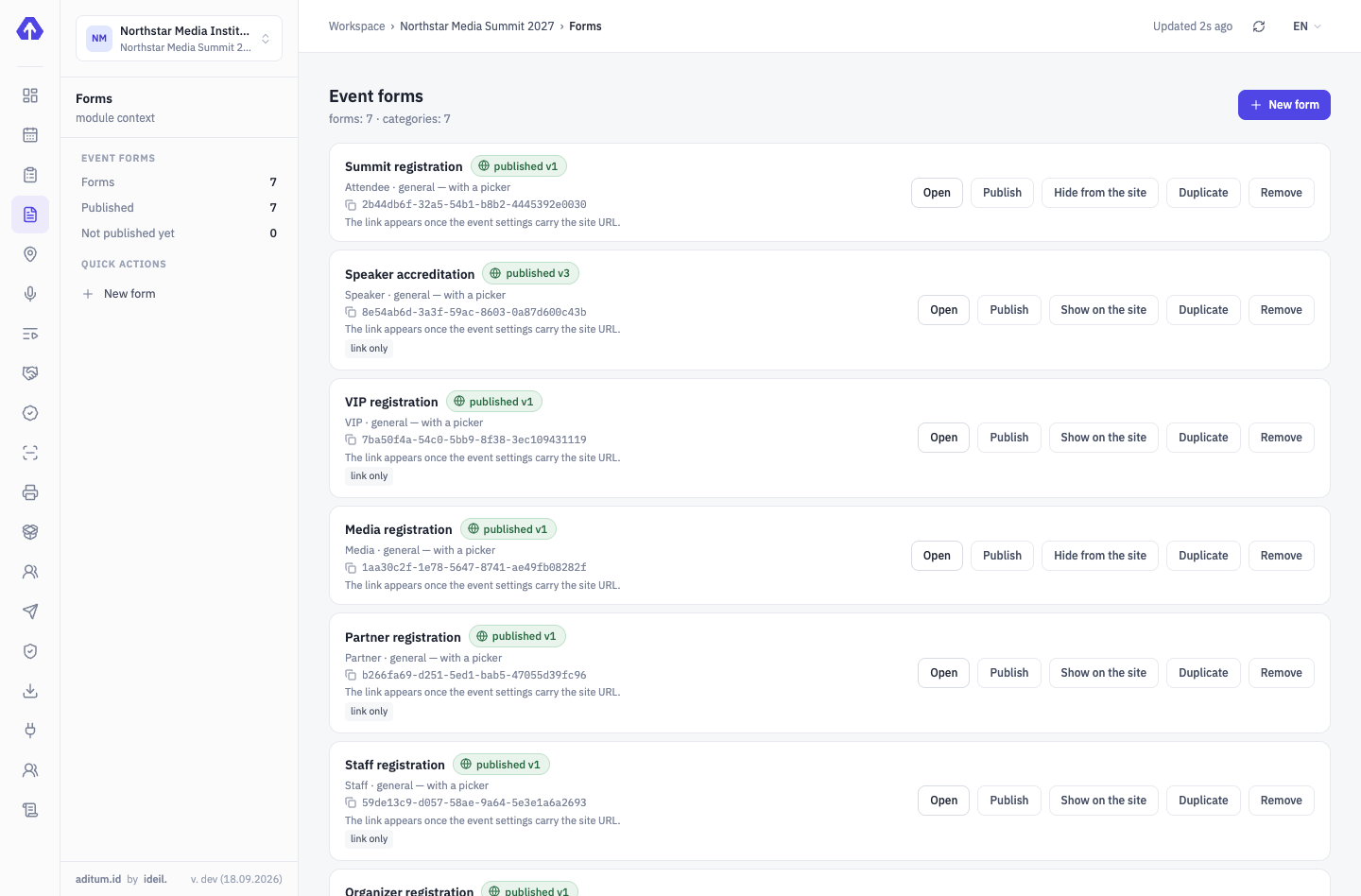
-
−10 dConsole · applications
One list instead of five spreadsheets
Filter by office, category, status. T-shirt sizes go straight into the merch order, nobody asked twice.
Approvals & delegations →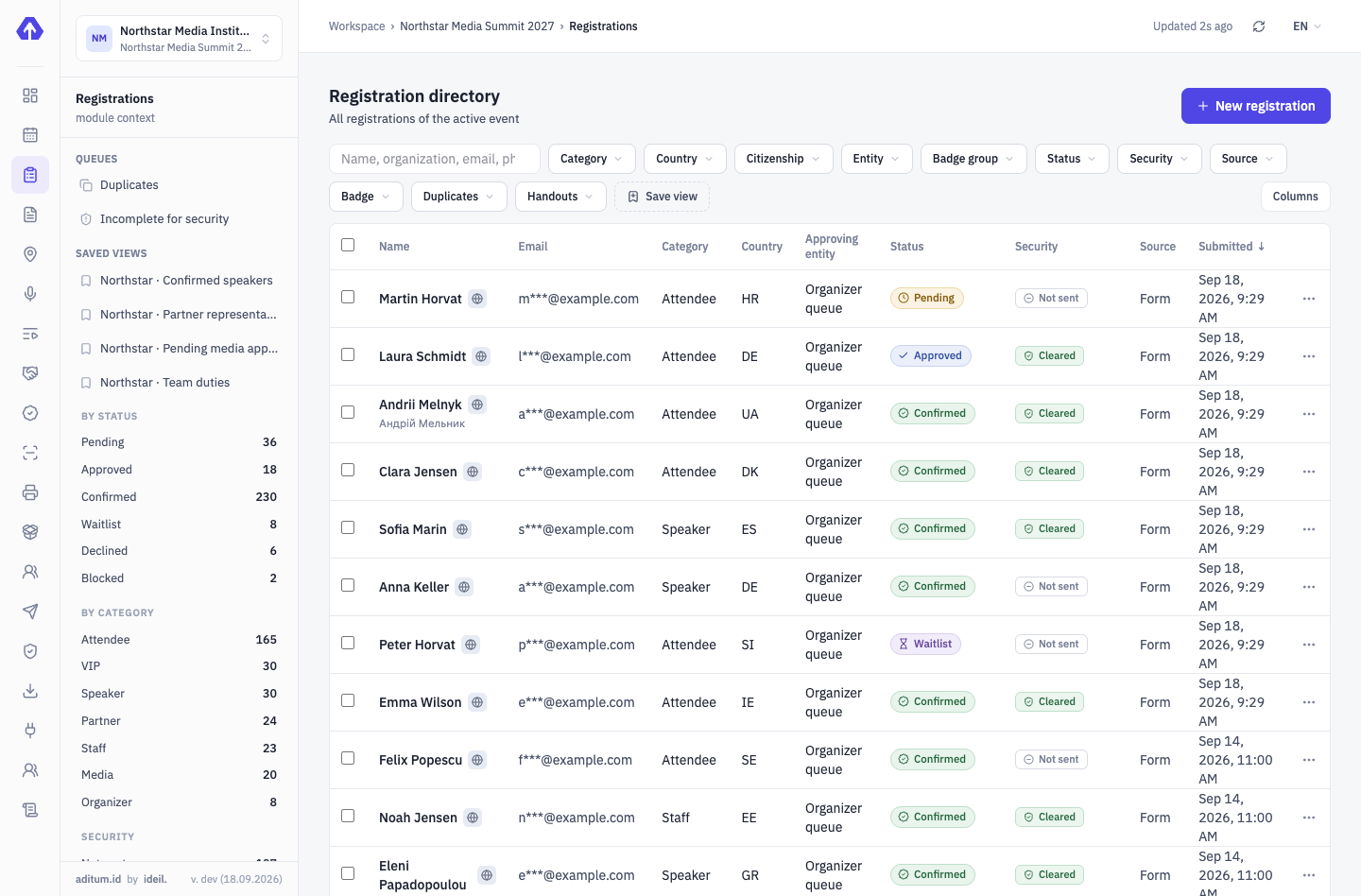
-
09:00An office desk
A badge and a kit in the right size
The desk sees what a person is entitled to and what they have already received. The size comes from the application, stock is live.
On-site accreditation →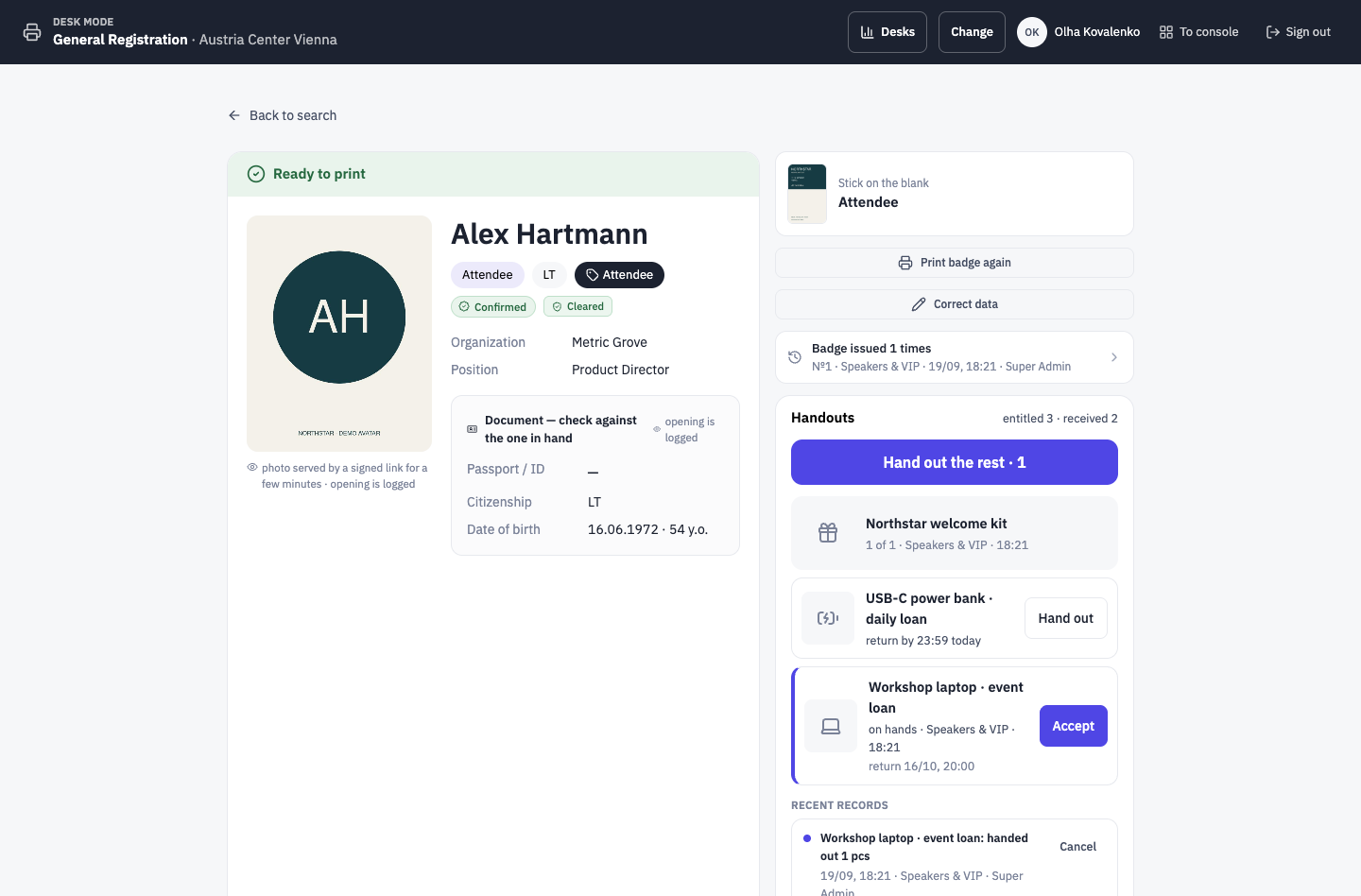
-
14:00Participant app
A session moved — the programme is already different
The change was made in the console. The app shows the new time, nobody posts to the all-hands chat.
Programme, speakers, partners →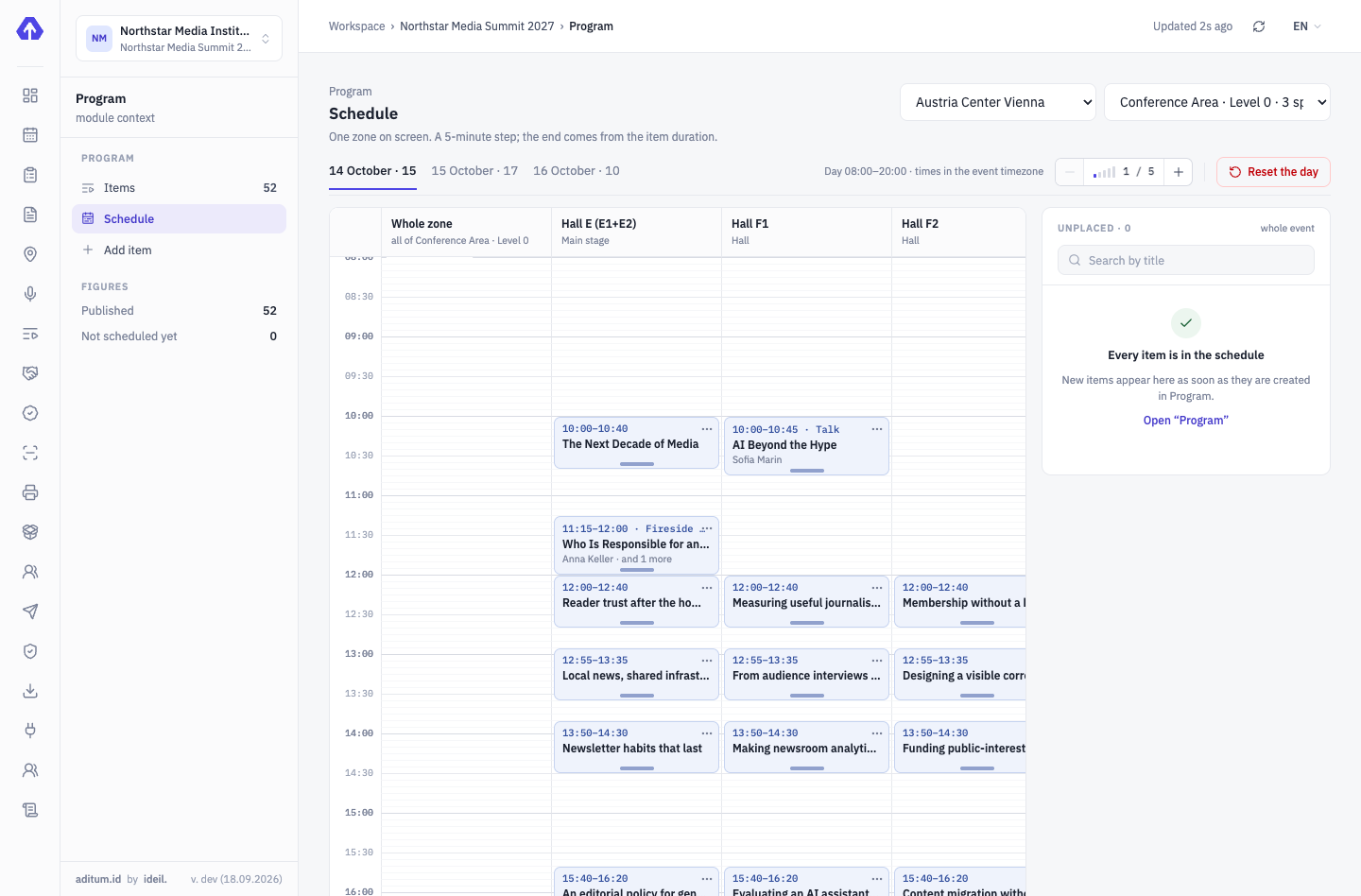
-
18:00Console · handouts
Who hasn’t collected a kit is visible at once
Numbers by category and office: entitled, received, not yet. The remaining kits go out by post — addressed.
On-site accreditation →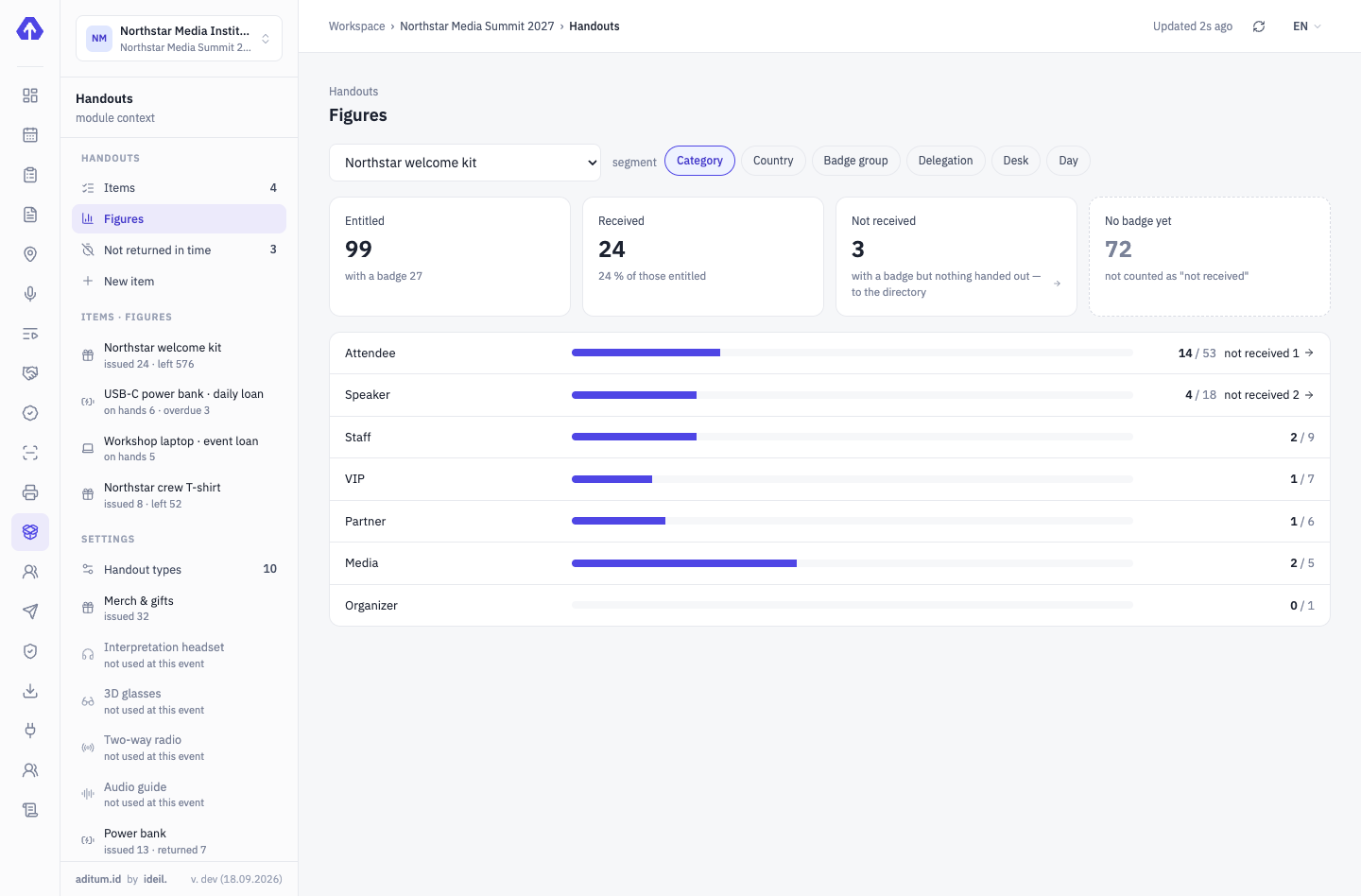


Five modules at a corporate event
We’ll show it on your corporate event
Your offices, your departments, your merch — we’ll set the demo up for a real scenario.
Tell us about your event — we’ll show it on yours
Not slides — your scenario: categories, approvals, zones, desks. We’ll set the demo up for your event.