


Tickets, registration and on-site operations in one system
Ticket and seat sales, participant applications and approvals, desks with badge printing and checks at the door — all on one record per person, from the first ticket to the results.
A demo is a 30-minute call with the team that develops Aditum. We reply within one business day.

Aditum at real events
How it went at specific events, from the application on the site to entering the hall.

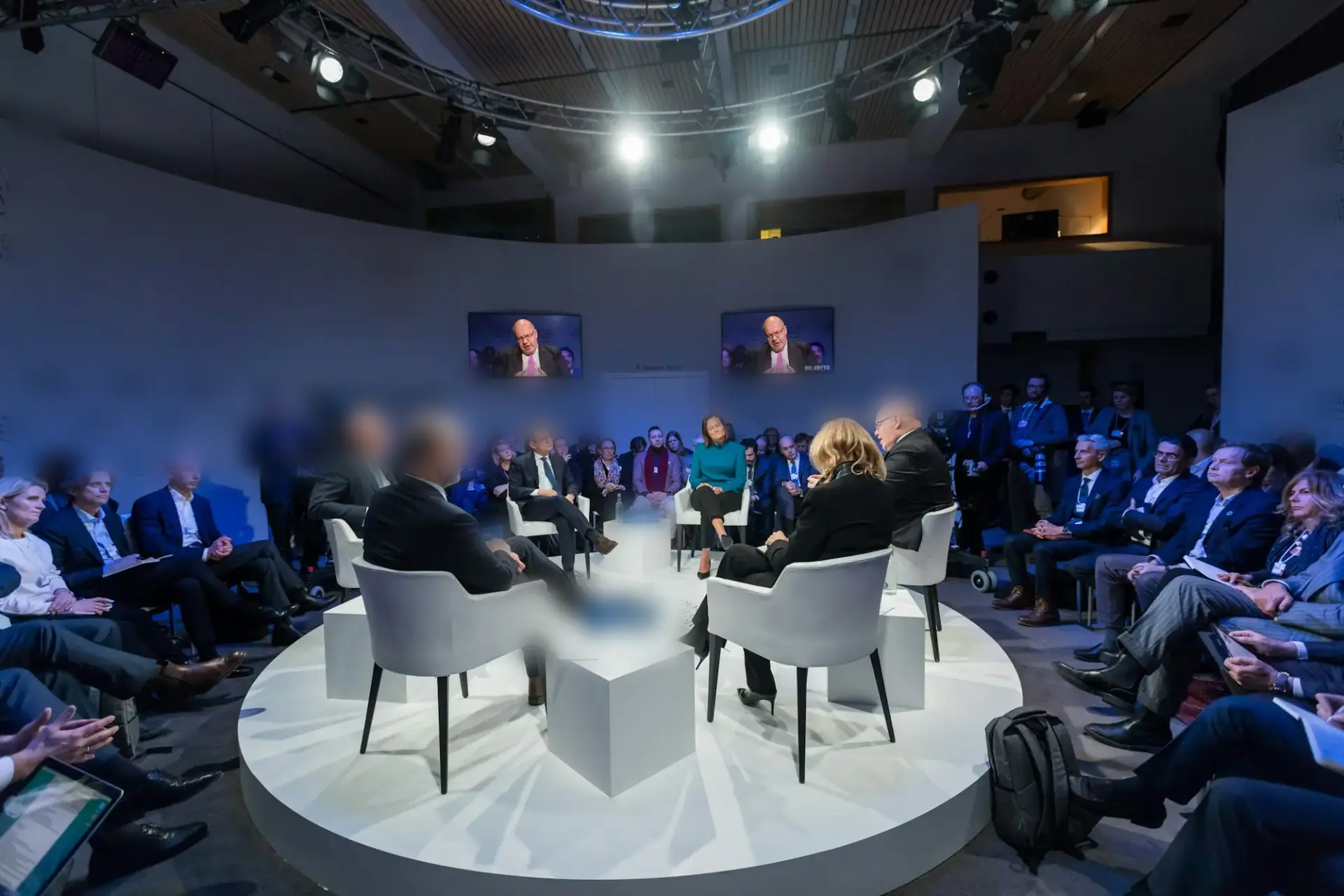
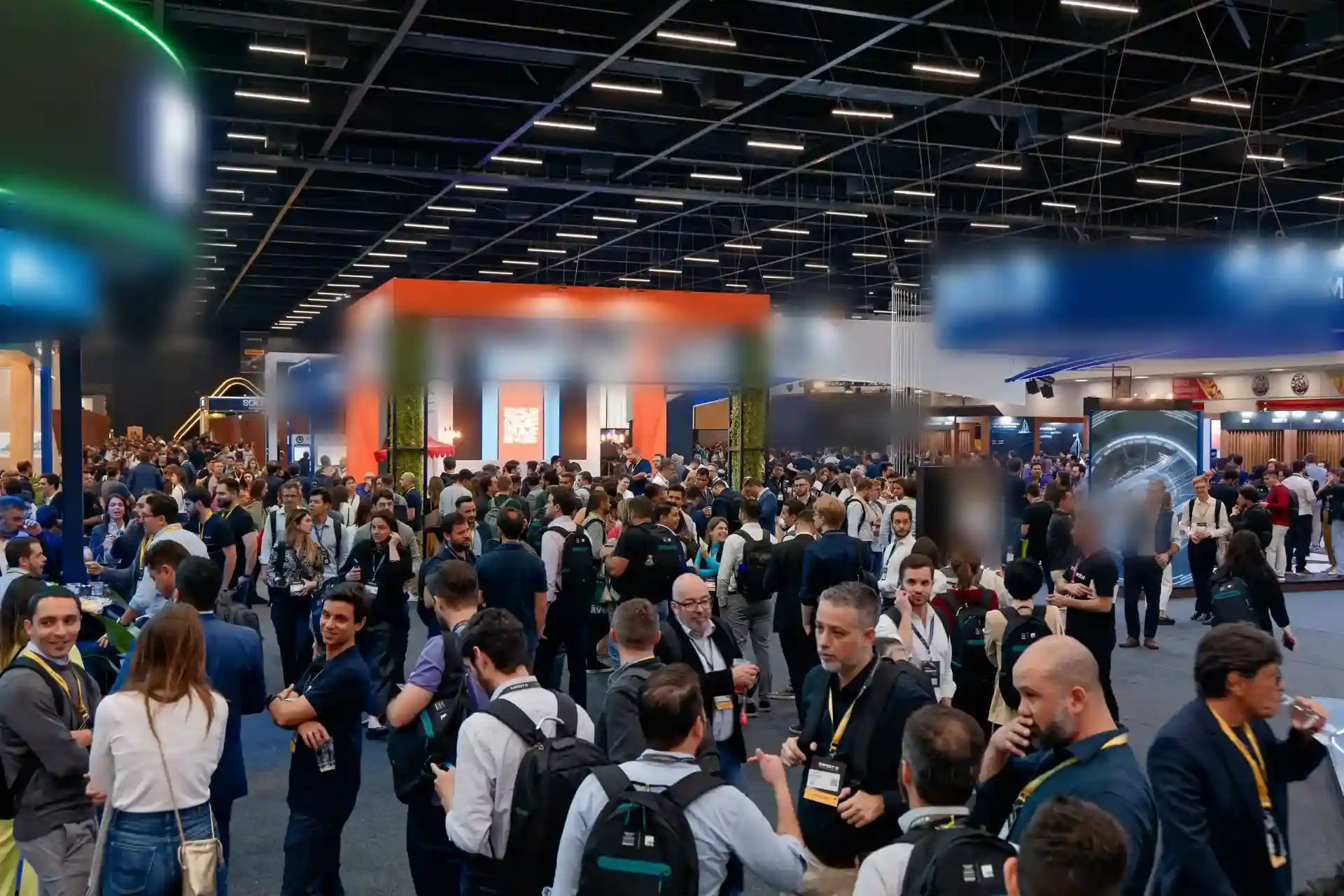
CARPATHIAN 8 Summit
- 3 157 applications
- 14 desks
- 8 countries
Three days, four venues and 14 desks — and not a single queue at registration.
How it wentWhat happens to a participant from the application to leaving the event
Every step is a separate capability. But the data is one: what was typed into the form is what the guard sees on screen a month later.
Pick your kind of event
A summit, a play, a workshop or a hybrid event: the setup differs, the system is the same.
Meetings and learning
For community leads, trainers, HR and dinner hosts
Conferences and exhibitions
For programme teams, protocol and exhibition organizers
Tickets and performances
For theatres, promoters, clubs and festivals
Online and hybrid
For producers running a hall and an online audience together
From ticket sale to results, with no spreadsheets between the steps
Data is entered once and reaches the desk, the door, emails and the app by itself. For each event you switch on only what it needs.
Launch and sell
Participants and content
On site
Three screens the guard and the participant see
One QR in the guest app or in Wallet. One scan in Guard. One rule that decided — on screen, not in the guard’s head.
More about the apps →- Profile
- Speakers
- Country
- IE
- Zone
- Hall E
- Time
- 14 Oct, 09:55
Aditum Guard
Scan, verdict and the rule that fired. The day’s log. Staff sign in with their team account — a password with an authenticator code, or a passkey.
Aditum · the guest app
Sign-in by a code from email — no password. Events, an e-badge with a QR, programme, speakers, partners, venue map and notifications.
- Participant
- Emma Wilson
- Event
- Northstar Media Summit 2027
- Badge group
- Speakers
- Dates
- 14 — 16 October 2027
- Venue
- ACV, Vienna
Apple Wallet · Google Wallet
Event, dates, venue, name, category, badge group, QR and photo — in Apple Wallet and Google Wallet.
The event website: three routes
The programme and speakers on the site are the ones in the console. Applications and tickets land in your own database, not in someone else’s spreadsheet.
-
Event catalog
The event appears in the aditum.events catalog, with a card and ticket sales. No separate site needed.
-
Organization site
A template, an accent colour, languages and your own domain. Every event of the organization on one site.
-
Your own site through the API
Registration forms, programme and speakers, tickets and payment, performances of a series, partner packages — on your site through the open API.
Sensitive data is seen by those who need it, not by the whole team
You decide which data to collect: registration and accreditation forms differ from event to event and from category to category. And what is collected does not sit in a shared spreadsheet: every field has an access level that applies even inside your organization.
- Access levels per field: working data visible to the team, contacts masked in lists, documents closed everywhere
- A desk operator sees the name and photo; a document opens only for a role with the right and a reason, and the view is logged
- Every organizer in an isolated workspace, roles and two-factor sign-in for the team
- The security service exchange in batches, when the event needs it
From a dinner for 100 to a stadium
A private dinner, a conference or a stadium — Aditum covers an event of any size. Pick yours and see how the system is configured for exactly that.
There is no limit on participants, categories, zones or sessions.
Running events for clients? Run them in Aditum under your own brand
White label for agencies, venues and integrators: a separate organization per client, isolated data, your team with roles. The event’s brand on badges, emails and Wallet passes; the client sees only their own, you see all your clients in one console.
Discuss partnership- Event agencies Each client is a separate organization. Your team sees all, the client sees only their own.
- Venues & congress centres Zones, desks and Guard configured for your space once — and working at every event.
- Developers & integrators Open API (OAuth2, OpenAPI): your own event site, your turnstiles, your reports.
What we get asked before a demo
In short: launch, tickets and payment, online viewing, logistics, data and cost. The rest on the call.
Who configures the system?
The first launch is done by the Aditum team together with you: the organization workspace, categories, forms, zones. You tell us how the event should work, we configure it. After that your team runs events in the console on its own, and we stay in touch.
How long until registration opens?
From the demo to open registration at your first event: 3–5 days. A summit with delegations and a security service exchange needs a few more days to agree the service’s requirements.
Is application approval mandatory?
No. The approval mode is configured per event. For a concert or a workshop an application is confirmed by itself, for a conference your team decides, for a summit approval can be delegated to a ministry or an association.
Can we sell tickets?
Yes. A buyer takes tickets of several types in one order and pays by card through Stripe, monobank, LiqPay or WayForPay, or by bank transfer — as a private person or as a company, with a PDF invoice. A fiscal receipt is issued through Checkbox. Payments and receipts work once the providers are connected.
Can we sell seats in a hall and performances on a schedule?
Yes. You lay out the hall and set price zones, and the buyer picks the seats, including seats together. For a play or a tour you add performances: each has its own hall and prices, and a ticket is valid only for its own performance. One order covers one performance. Seats are picked in the platform event catalog and on organization sites.
How do refunds work?
You set the refund rule per event, and the buyer sees it before paying. A manager starts the refund from the order card. For performances of a series you can refund individual tickets, not only the whole order, and the seats go back on sale.
Can people watch the event online?
Yes. Each hall gets a stream from YouTube or Vimeo, and ticket-gated streams can use protected viewing through Mux or Cloudflare: a personal link, a watermark with the viewer’s name and a device limit. A ticket gives the hall, online access or both, and you see how many people watched.
Does Aditum help with accommodation and transfers?
Yes. Hotels and room blocks, bookings, trips with passenger lists, meal slots, all tied to the participant’s badge. Reception, the driver and the hostess work from a phone in the browser.
What does it cost?
The cost depends on the number of events, participants and the capabilities you need. We discuss it after the demo, once we understand your scenario.
Where is the data stored and who sees it?
Every organizer works in an isolated workspace with its own file storage. Inside the organization, access to fields is separated by role: documents are masked, a reveal takes a reason, and every view is logged.
Does a participant need the app?
No. The QR arrives by email and in an Apple or Google Wallet pass. The guest app is optional: e-badge, programme, speakers, venue map and notifications about changes.
Can registration be embedded into our own site?
Yes, through the open API: the form lives on your site, applications land in the console at once. Or the Aditum team builds the event website.
Tell us about your event — we’ll show it on yours
A demo is a 30-minute call with the team that develops Aditum. Not slides but your scenario: we set up categories, approvals, zones and desks for your event.
- Fill in the form: event type, number of participants, a few words about it
- Within one business day we email you to agree a time
- On the call we show Aditum configured for your event and answer your questions