An exhibition where build-up, booths and visitors follow different rules
Exhibitor staff come in for build-up the day before opening, visitors only on their days, the press into the press zone. The rules live in the system, not in the shift manager’s head.
- Demo: Foyer F, booths P01–P08
- a partner catalogue with types
- access by zone and day
- booth staff badges

Four things an exhibition solves on the fly
Exhibitor staff
Every exhibitor has its own list of people that keeps changing until the last day. And everyone needs badges before opening.
Build-up under different rules
The day before opening fitters enter the pavilion and visitors don’t. On tear-down day it is the other way round.
The exhibitor catalogue
Logos, descriptions, booth numbers — three different versions in the marketing spreadsheet, on the site and in the printed guide.
Press and VIP visitors
They need a different entrance, a different zone and a badge security recognises from three metres.
Not a template. An exhibition configuration
An exhibitor is a partner with a booth and their own staff. Aditum already has all three.
- Visitor
- Exhibitor
- Booth staff
- Press
- Fitter
Booth staff and fitters are different categories: they have different days and different zones.
- Organizer approves
- Exhibitors submit their own lists
Every exhibitor gets a closed form for their staff. A quota sets how many badges they are entitled to.
- A public visitor form
- Closed exhibitor forms
- Press accreditation
The visitor form embeds into the exhibition site. Exhibitor forms are by link only.
- Pavilion
- Booths as spots
- Build-up area
- Press centre
A booth is a numbered spot in a zone: P01–P08. A partner and programme items are bound to it.
- Exhibitors desk
- Visitors desk
- Press vests — on return
Booth staff get badges the day before opening, visitors at the entrance.
- A campaign to exhibitors: build-up
- Status emails
- Apple + Google Wallet
The move-in schedule goes to the “exhibitors” segment, the programme to visitors. The partner catalogue is on the site and in the app.
Build-up, opening, tear-down. What it looks like from the inside
-
−14 dConsole · partners
The exhibitor catalogue — one source
Logo, description and partner type are edited in the console. The exhibition site and the app take them from there — and so does the printed guide.
Programme, speakers, partners →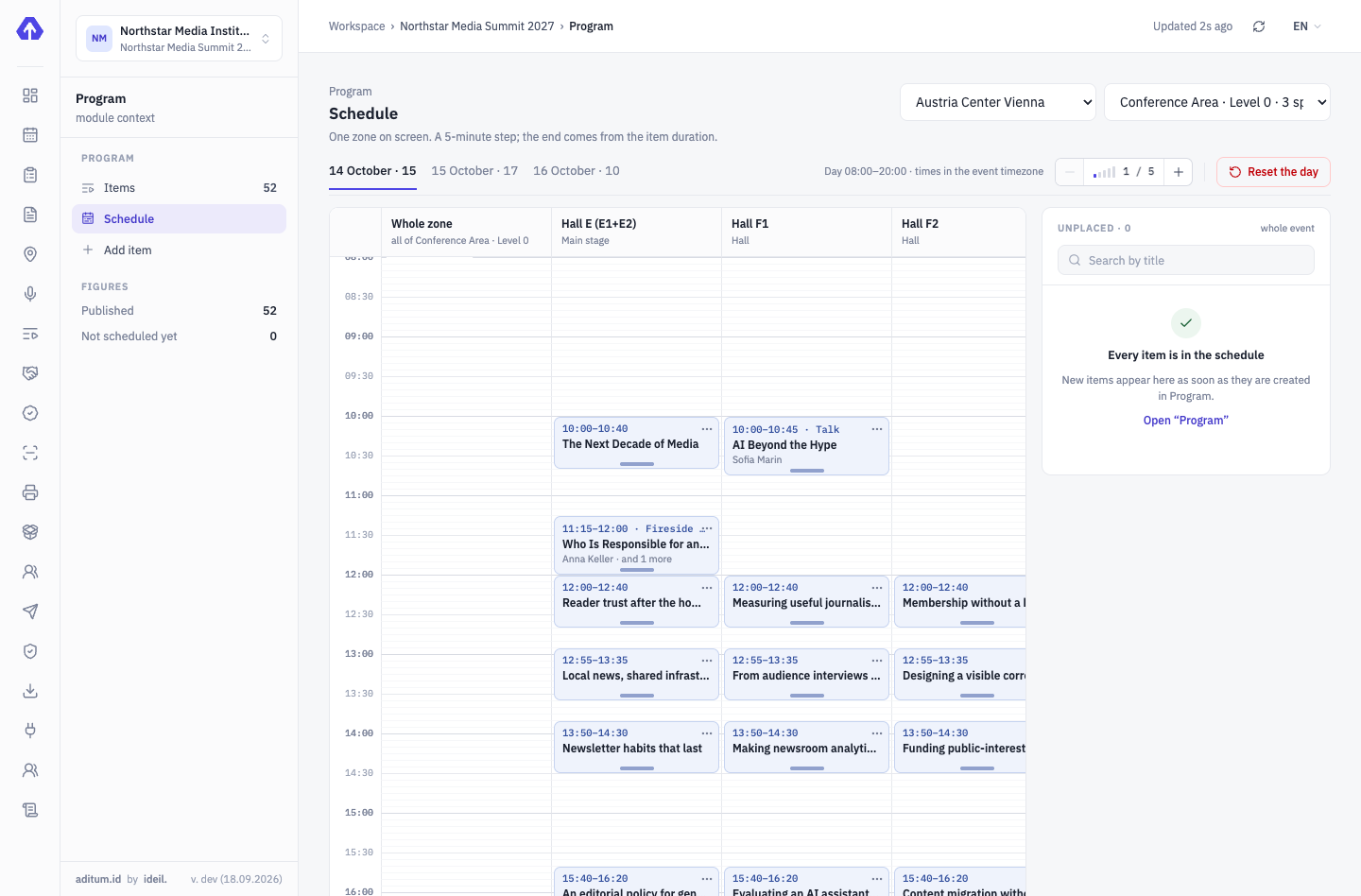
-
−1 dPavilion · build-up
Fitters get in, visitors don’t
The zone rule for build-up day admits the “Fitter” and “Booth staff” categories. Tomorrow it changes — in the console, not at the gate.
Access control →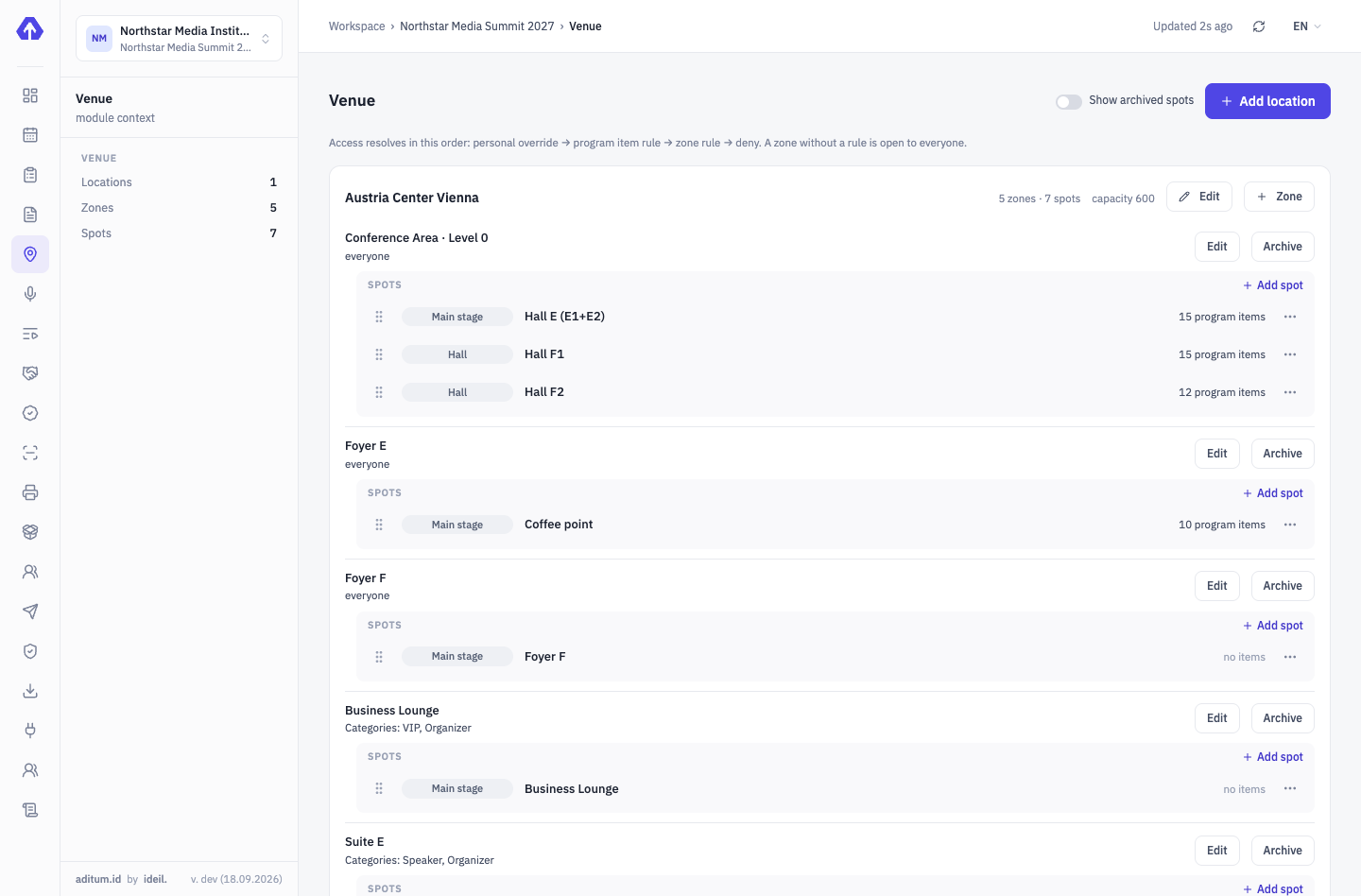
-
08:30Exhibitors desk
Booth staff badges — before opening
The exhibitor submitted their list through a closed form, you approved it. The desk issues badges by surname or the QR from the email.
On-site accreditation →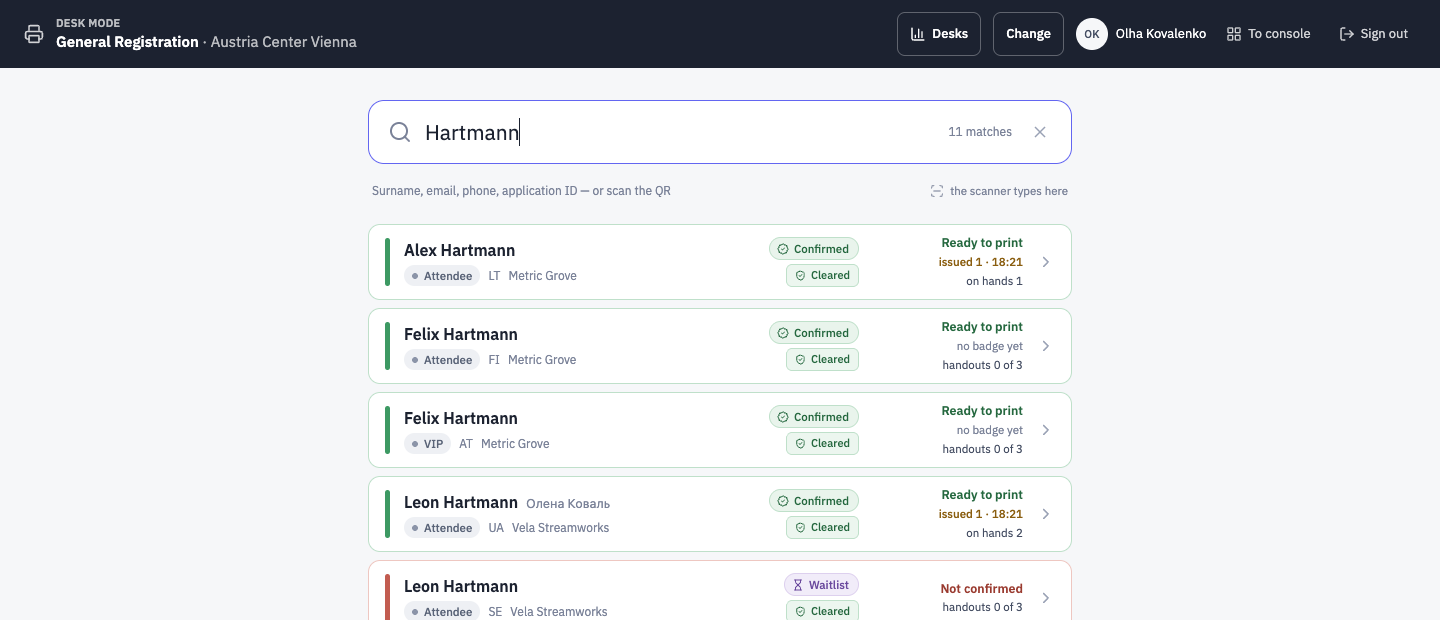
-
10:00Main entrance
A visitor enters with the QR from the email or Wallet
Registered on the site — got an email with a pass. One scan at the entrance, one line in the log.
Aditum Guard →Main entrance ENTRYEntry allowedSMSofia MarinVisitor- Profile
- Visitors
- Country
- ES
- Zone
- Pavilion
- Time
- 10:02
Rule: Pavilion → show days → everyone confirmedTap to continueEnter code manually -
18:00Console · passes
Attendance — by day and zone
How many people came through today, how many were press, when the peak was. These are the numbers for the exhibitor report.
Access control →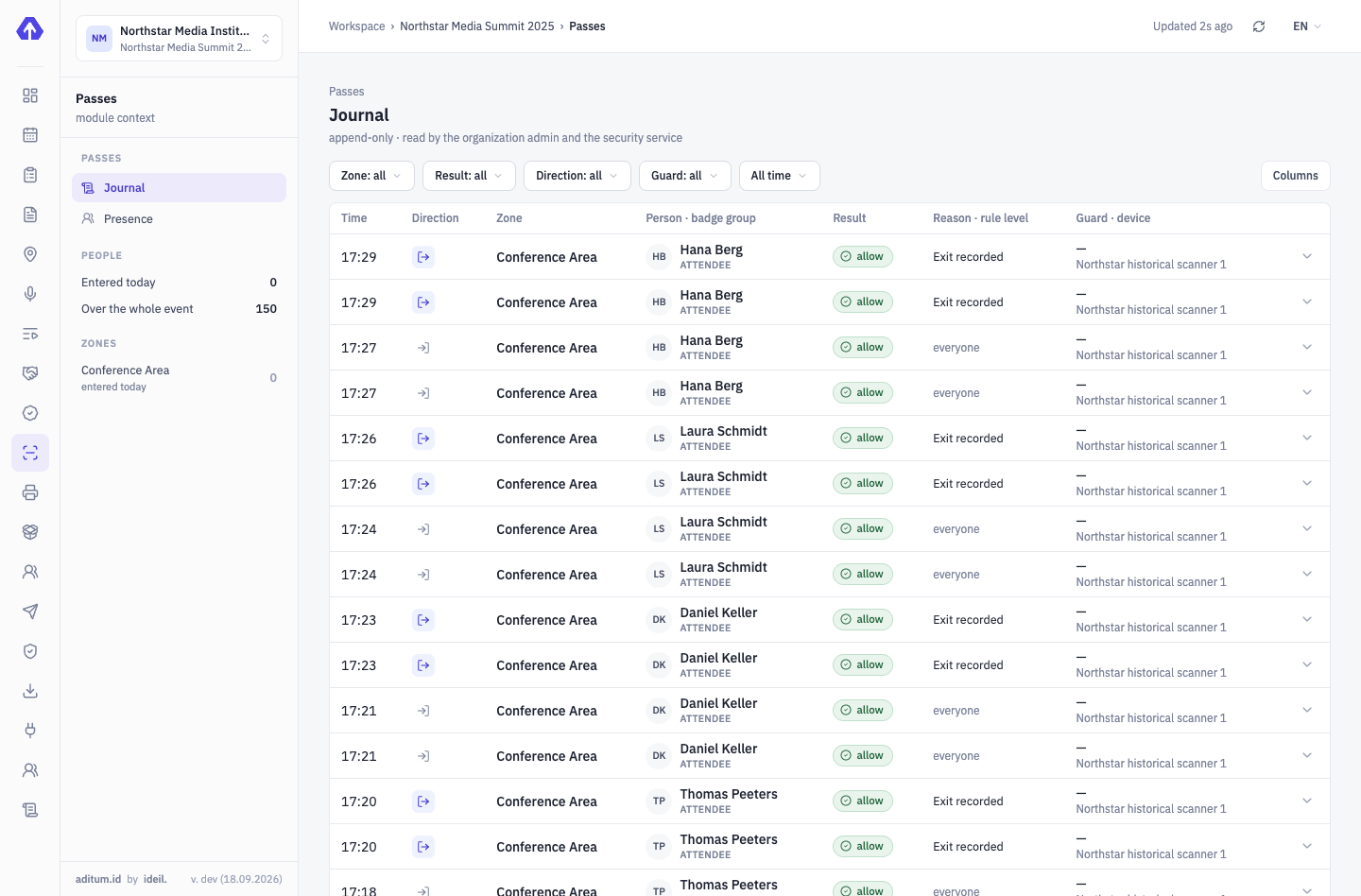


The exhibitor portal and tickets — in the works
To be honest: today the organizer manages booth spots and exhibitor staff in the console. A self-service portal for exhibitors isn’t there yet.
We’ll show it on your exhibition
Your pavilion, your exhibitors, your build-up days — we’ll set the demo up for a real scenario.
Tell us about your event — we’ll show it on yours
Not slides — your scenario: categories, approvals, zones, desks. We’ll set the demo up for your event.